



1:/etc/init.d/下建立elastic文件
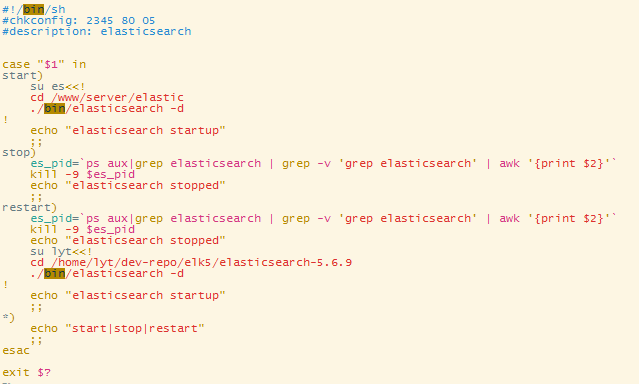
vim elastic(代码如下)
#!/bin/sh
#chkconfig: 2345 80 05
#description: elasticsearch


case "$1" in
start)
    su es<<!
    cd /www/server/elastic
    ./bin/elasticsearch -d
!
    echo "elasticsearch startup"
    ;;
stop)
    es_pid=`ps aux|grep elasticsearch | grep -v 'grep elasticsearch' | awk '{print $2}'`
    kill -9 $es_pid
    echo "elasticsearch stopped"
    ;;
restart)
    es_pid=`ps aux|grep elasticsearch | grep -v 'grep elasticsearch' | awk '{print $2}'`
    kill -9 $es_pid
    echo "elasticsearch stopped"
    su lyt<<!
    cd /home/lyt/dev-repo/elk5/elasticsearch-5.6.9
    ./bin/elasticsearch -d
!
    echo "elasticsearch startup"
    ;;
*)
    echo "start|stop|restart"
    ;;
esac

exit $?
2:对elastic授予可执行权限
chmod 777 elastic
3:添加elastic服务到系统服务中
chkconfig --add elastic
4:设置开机启动
chkconfig elastic on


